Tutorial
Measure on PDF pages
PDF.js draws each page in your browser. You measure on that raster, like an image — including the same ± honesty.
Use this when the source is a PDF (worksheet, CAD export, scanned pages). First measurement ever? How to use covers the three clicks.
1. Open the PDF locally
Choose a PDF from the sidebar on the tool. The first page renders in a few seconds. The file is not sent to a server.
2. Use the page stepper
Multi-page documents show Prev, a page index such as1 / 2, and Next. Work on one page at a time.
3. Measurements do not follow you to the next page
Changing page clears the overlay for that page’s raster. Export or note values before you step away if you still need them. This is expected, not a bug.
4. Zoom before placing on thin lines
Worksheet rules and CAD strokes are easy to miss at 100%. Use Fit, then zoom in until the corner is a few millimetres on screen, then place the vertex.
5. Measure as usual
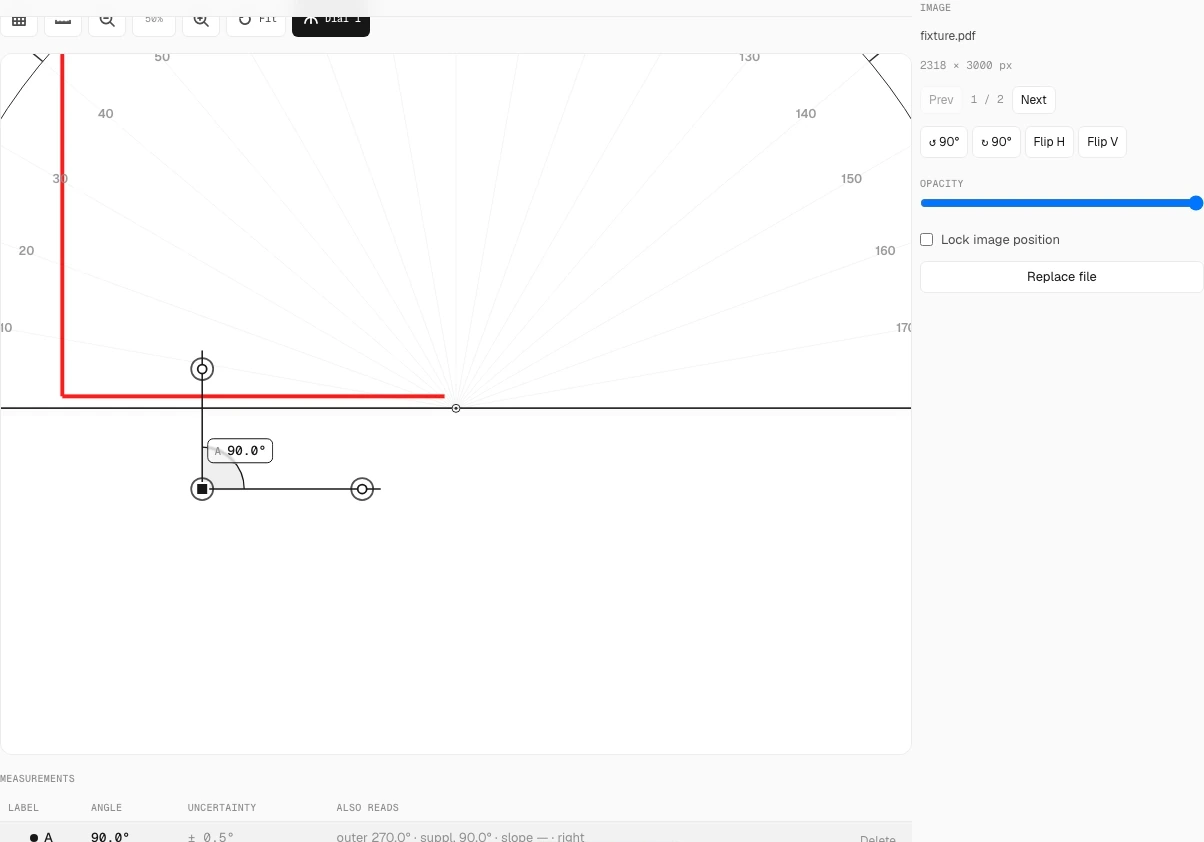
Angle, Chain, or Length work on the rendered page the same way they do on a photo. Place long rays along the printed edge.
6. Choose 4× PNG or a report
PNG at 4× keeps the overlay sharp for print. For a packaged hand-in, useDownload report then Print → Save as PDF — seeexport for homework.
Common mistakes
- Placing points at full page zoom on hairline CAD.
- Flipping pages and expecting the previous overlay to remain.
- Treating a photographed PDF (a picture of a printout) as a native PDF — that is the photo tutorial.