Tutorial
Scale calibration
Angles never need a scale. Lengths do — and only for features on the same plane as your reference.
Skip this page if you only need degrees. For the three-click angle flow, see how to use.
1. Pick a known reference on the same plane
A printed ruler, a dimension line, or an object of known size that sits in the same plane as the lengths you will measure. A coin in the foreground of a roof photo will mis-scale the roof.
2. Open Scale and start a known distance
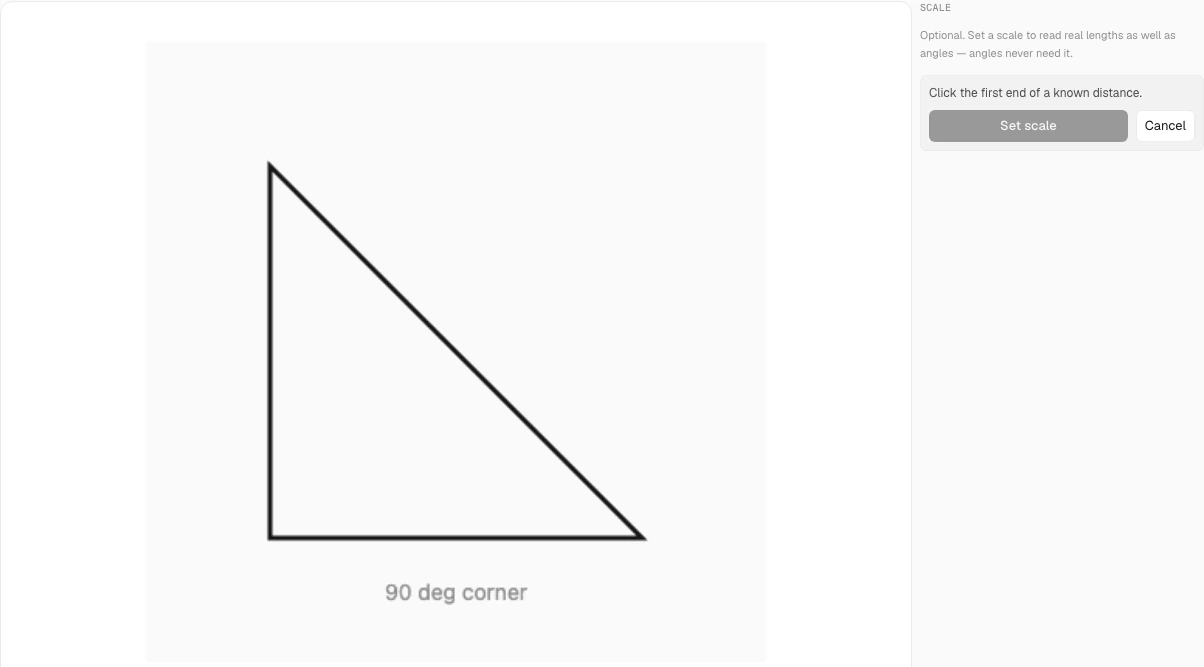
In the sidebar, open Scale (shortcut K) and followSet a scale. The panel asks you to click the first end of that known distance on the image.
3. Click both ends, then enter the real length
Click the first endpoint, then the second. Type the real-world distance and pick a unit (mm, inches, feet, and so on). Reference points live in image space, so rotate or flip after calibration does not break the scale.
4. Measure lengths
The Length tool then reports in that unit. The ruler overlay uses the same unit once a scale is set.
5. Respect the single-plane limit
Anything nearer or farther from the camera is at a different scale. That is why this is not a 3D survey tool. For structural, safety-critical, or clinical work, confirm with a calibrated instrument — see thedisclaimer.
Common mistakes
- Calibrating on a foreground object for a background length.
- Expecting angles to change after a scale is set — they will not.
- Using a scale from one photo on a different photo or PDF page.